
Capture the conversation. Keep the knowledge.
Transcribe meetings live, follow speech in another language, and bring notes, recordings, and image text into one editable workspace.
See MemoFlow in action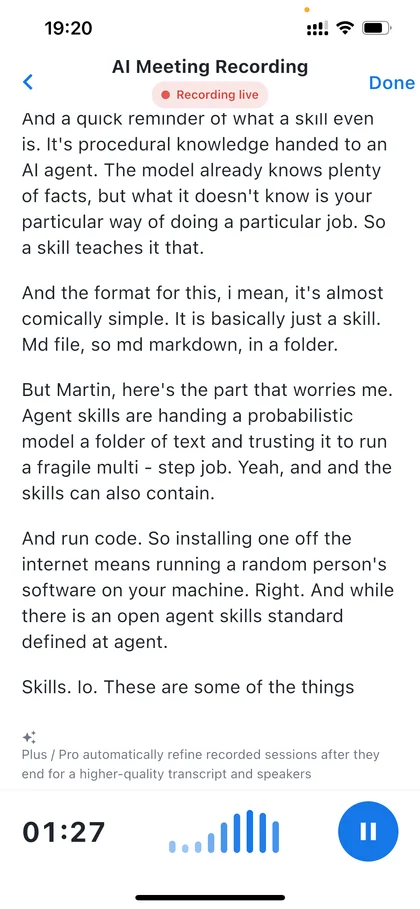
Three ways to start
Open a note, speak your thought, and keep the text in your editable note. Review names and important details before sharing.
See how it works 02 · Meeting recordingFollow live transcription while recording. Review the transcript afterward, distinguish speakers when available, create a meeting summary, and save the result as a note. The summary pictured is a separate example from the live recording pictured here.
See how it works 03 · File importImport a supported audio or video file, then start AI recognition with Plus or Pro. Video contributes its audio track only.
See how it worksFrom meeting to a note you can use
Follow live transcription while recording. Review the transcript afterward, distinguish speakers when available, create a meeting summary, and save the result as a note. The summary pictured is a separate example from the live recording pictured here.
See how it works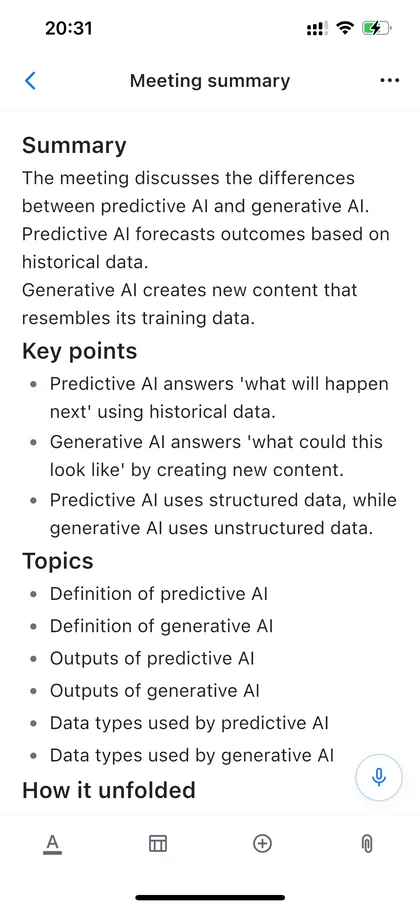
See the original and translation together
Choose one spoken source language and one written target language. See original and translated text during the session, then keep the completed result for review. Live requires a connection and usage depends on your plan.
See how it works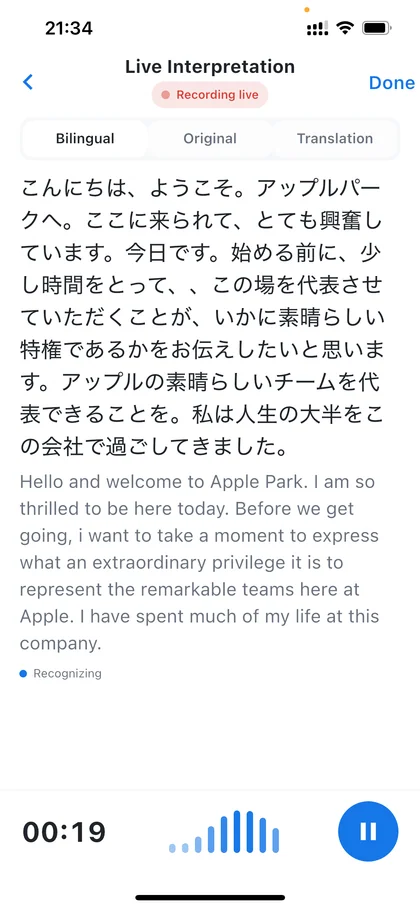
The note is where captured information becomes knowledge.
Write directly or continue with material from a meeting, voice recording, interpretation session, or image. Notes keep it editable, searchable, and ready for later work.
See how it works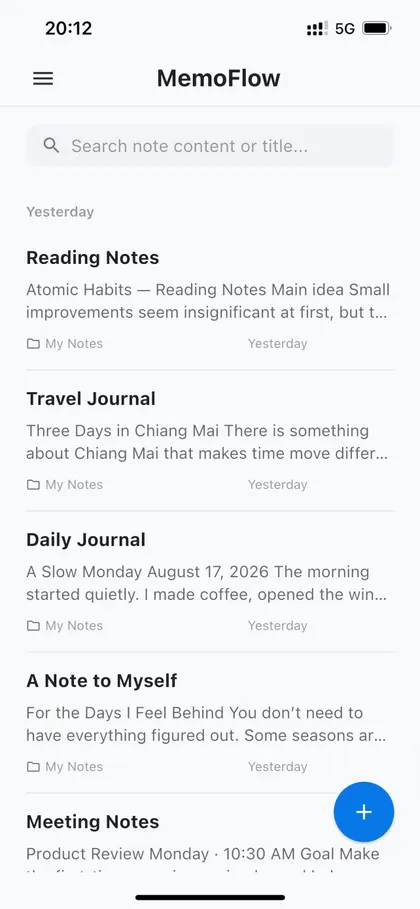
Say the note when typing gets in the way
Open a note, speak your thought, and keep the text in your editable note. Review names and important details before sharing.
See how it works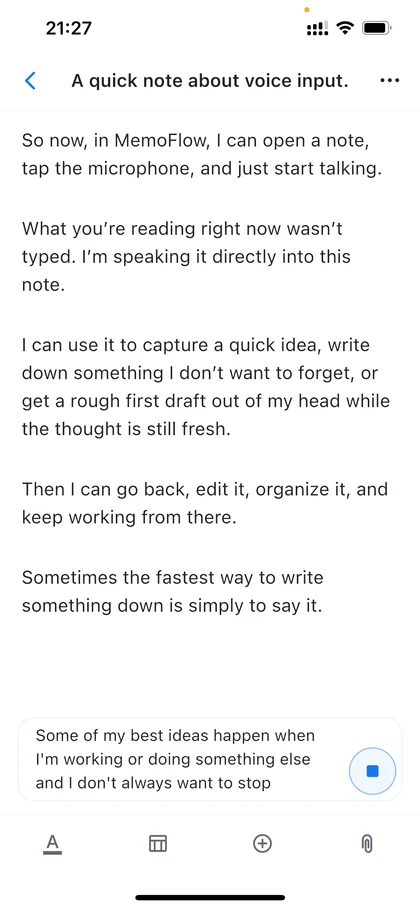
Turn images into text you can actually use.
Capture pages, slides, screenshots, and documents from the camera or your photo library. OCR turns the text into editable, searchable content inside your notes.
See how it works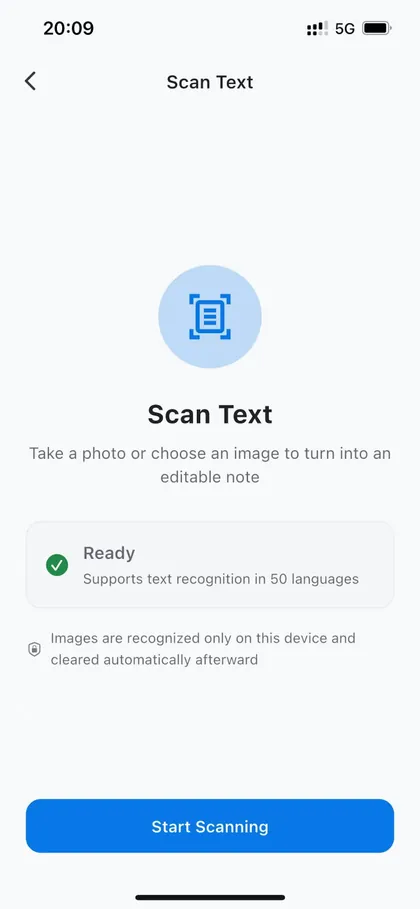
Ask your notes, then keep the useful result
Select the notes MemoFlow AI may use. Ask a question or request a summary, inspect the answer, and save useful output as a note. The screenshot shows two selected notes, not the size of your whole library.
See how it works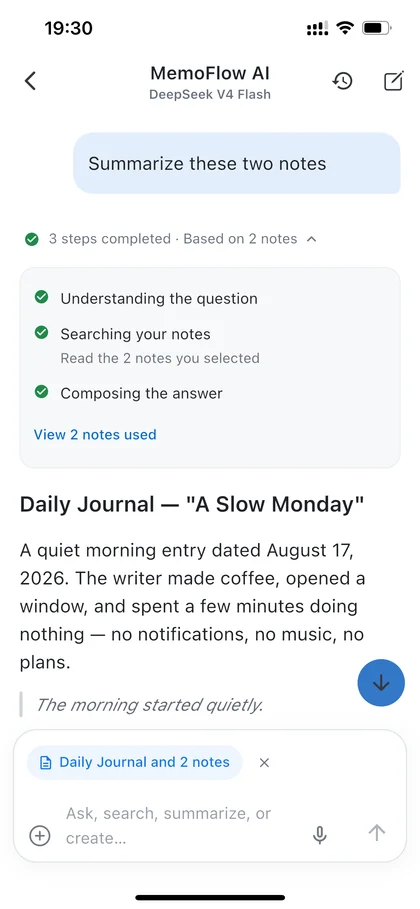
Language support by task
Meeting transcription, Live Interpretation, and the app interface use different language lists. Configured support does not prove equal quality in every direction.
Start free, understand the paid boundary
Basic supports everyday notes. Imported media recognition and AI meeting write-ups require Plus or Pro. Other AI usage and live interpretation may use included minutes or Credits. Check the plan page and the store for current local pricing. Cloud AI needs a connection.
Compare plansDesigned with clear privacy boundaries.
Core note capture remains useful even without a connection.
Only the context needed for the request is sent to the relevant AI service.
Read privacy policyBefore you download
Can I search a recording?
The recording library is for finding recordings. Save a reviewed transcript as a note to search its words in note search.
Can I import video?
Yes, for supported video containers with a decodable audio track. MemoFlow extracts the audio; it does not turn video frames into text. Import and recognition are separate steps.
Are the screenshots from Android?
These are real iPhone captures. The app is also available on Android; the interface can differ by platform and version.
Make your next thought a useful note.
Transcribe meetings live, follow speech in another language, and bring notes, recordings, and image text into one editable workspace.
Vision